


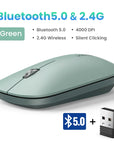

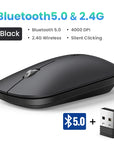
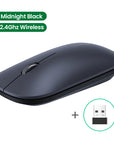
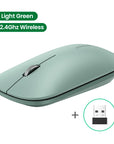
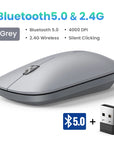
Mouse 4000 DPI Wireless Mice 40db Silent Click For MacBook
SPECIFICATIONS
Attention: Battery is NOT included !
Battery Included: No
Brand Name: UGREEN
Certification: CE,FCC,RoHS
Connection: 2.4G (USB Receiver)
DPI: 4000
Gross Weight: 100
Hand Orientation: Both Hands
High-concerned chemical: None
Interface Type: USB
Number of Buttons: 5
Number of Rollers: 1 pcs
Operation Mode: Opto-electronic
Origin: Mainland China
Package: Yes
Power Type: Battery
Style: Optical roller
Time to market: Jul-13
Type: 2.4Ghz Wireless
Ugreen Model: MU001
Wireless Mouse with 4000 DPI
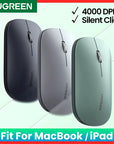
✔4000DPI max. ✔99% Silent Clicking ✔3cm-thickness Ultra Slim ✔For MacBook,iPad
 99% Reduce Noise, Silent Click
Perfect for public places such as study libraries, cafes, etc. It keeps silent click even at late night. It won't affect other people who concentrate on reading, studying, working or sleeping.

Tiny USB Receiver, Universal Compatibility
Plug and play, no driver required. Easy to set up for Computer, PC, Laptop, Tablet of all systems: Windows, Mac, Chrome OS, Linux, Android ......

4000 DPI max.
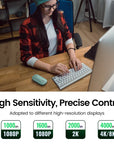
The switch DPI levels of this wireless mouse among 1000/1600/2000/4000 to meet your special needs with higher sensitivity. Accurately restore the movements under high-speed operation, perfectly for 4K/8K HD Display.
✔1-Level DPI : 1000, Mouse cursor moves very slowly, suitable for precise drawing
✔2-Level DPI : 1600, Mouse cursor moves slowly, suitable for daily office use
✔3-Level DPI : 2000, Mouse cursor moves at normal speed, suitable for 2K display/screen
✔4-Level DPI : 4000, Mouse cursor moves at fast speed, suitable for 4K/8K large display/screen


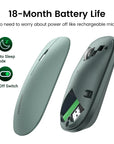
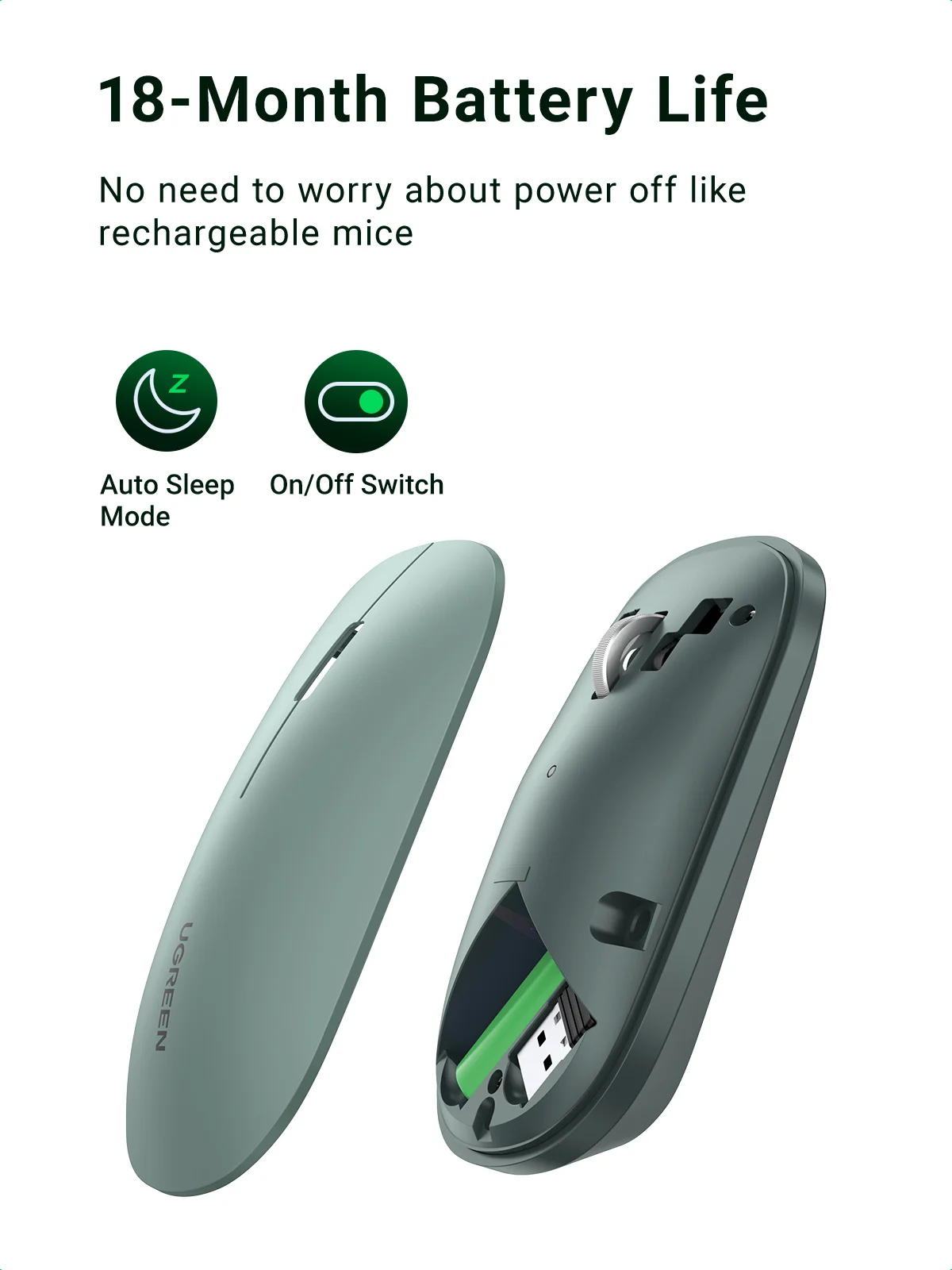
18-Month Battery Life
Auto Sleep and On/Off Switch Mode for Saving Power
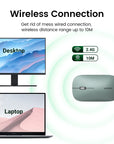
Wireless Connection
Get rid of mess wired connection, wireless transmission distance range up to 10M

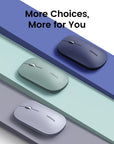
More Colorful Choices

Works on Many Surfaces without Mouse Pad
Battery Installation Steps
(Attention please: Battery is NOT included)
①Open the cover ②Insert the battery ③Cover the cover
